Why I built my own expense tracker
I have tried quite a few expense tracking apps over the years. The pattern was usually the same: I installed one, entered transactions for a week or two and looked through all the charts and reports. Then I gradually stopped using it.
This was not necessarily a problem with those apps. Many of them were well made and offered much more than I needed. The problem was that I do not enjoy managing my finances as an activity of its own. Most of the time I only want to record what I spent and get on with whatever I was doing.
Every additional step makes that less likely to happen. If entering an expense feels inconvenient, I tell myself I will do it later. By then I have either forgotten the amount or the transaction entirely, and an expense tracker with incomplete data is not very useful.
I built Ledgee around that particular problem.
Starting with data entry
Finance apps tend to put a lot of effort into what happens after the data has been recorded: budgets, reports, charts and spending analysis. I started at the opposite end and concentrated on how quickly I could add a transaction immediately after paying for something.
In Ledgee, I enter the amount and tap a category. The transaction is saved at that point, without opening a form, confirming the details or tapping a separate Save button.
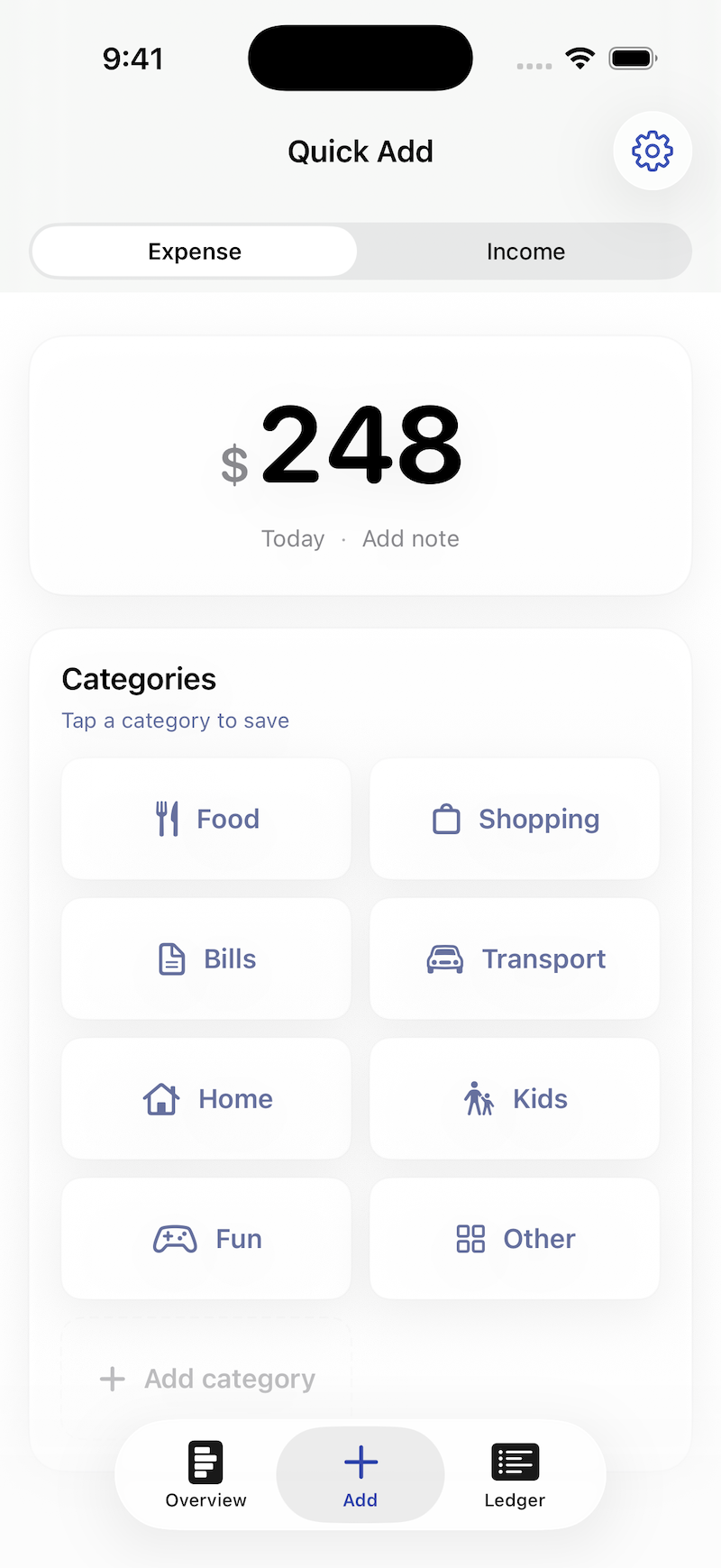
There are cases where more information about a transaction is useful, but I did not want the occasional need for extra detail to make every ordinary entry slower. The common case should remain entering an amount, choosing a category and putting the phone away.
What I actually use
The apps I previously tried often became more complex over time or moved basic functionality behind a subscription. Instead of reproducing everything they offered, I limited Ledgee to expense and income entry, a monthly overview and a ledger containing all transactions.
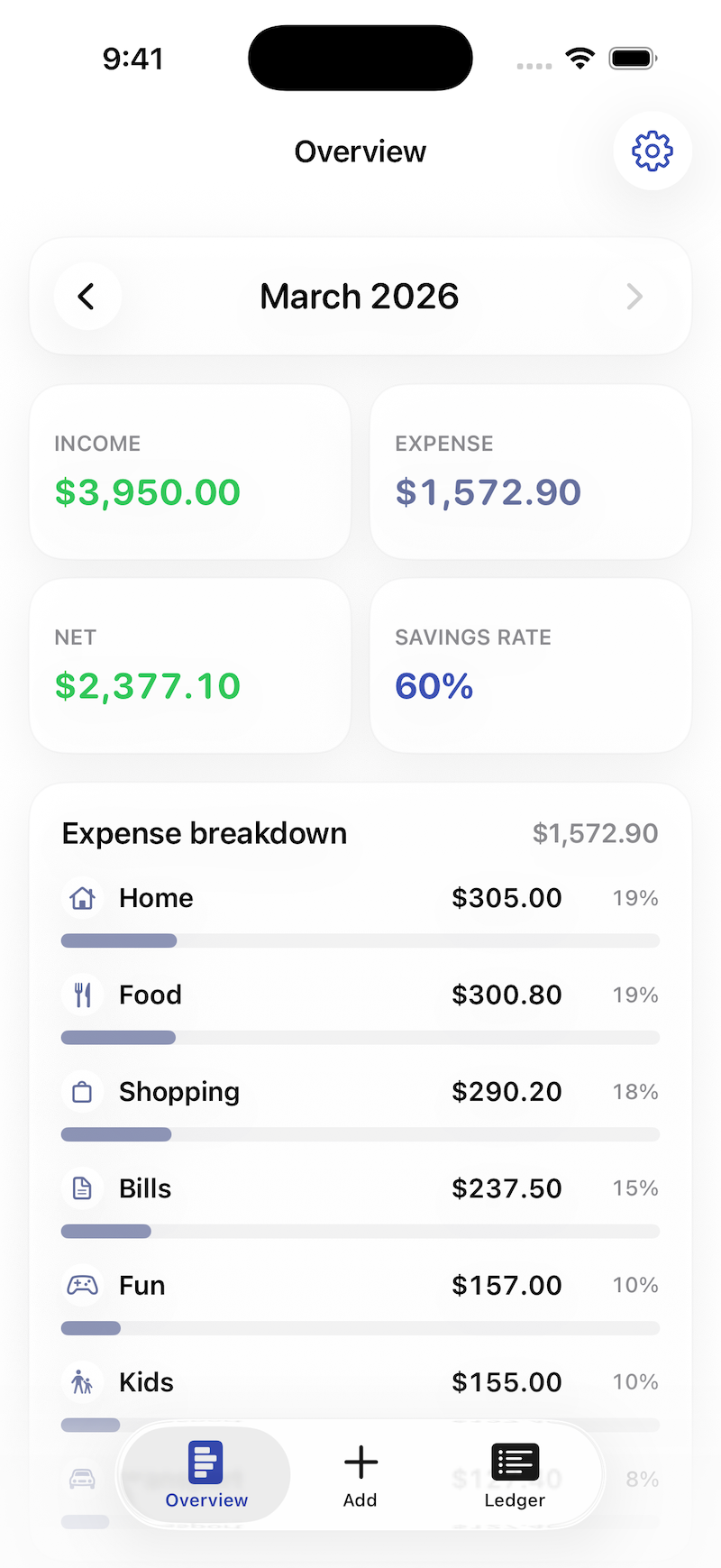
The monthly overview gives me enough information to see where the money went without turning the app into a financial analysis tool. When I need to find or correct something, the ledger provides the complete history.
Ledgee does not require an account and has no subscription. It is a native iOS app with support for light and dark mode, Dynamic Type and iCloud synchronization. The data stays in iCloud, so there was no reason to build a separate account system and backend just to record a purchase such as “coffee 4.50”.
Using the system features also means that backup and synchronization across devices do not need to become another part of the app that the user has to configure or think about.
Features I have not built
It is easy to come up with additions for an expense tracker. Budgets, tags, more charts, bank statement imports and integrations would all make reasonable feature requests. They would also add decisions and controls to an app meant to handle a very small task.
Some of those ideas may still make sense later. The test for each one is whether it can be added without making transaction entry slower or making the monthly overview harder to understand.
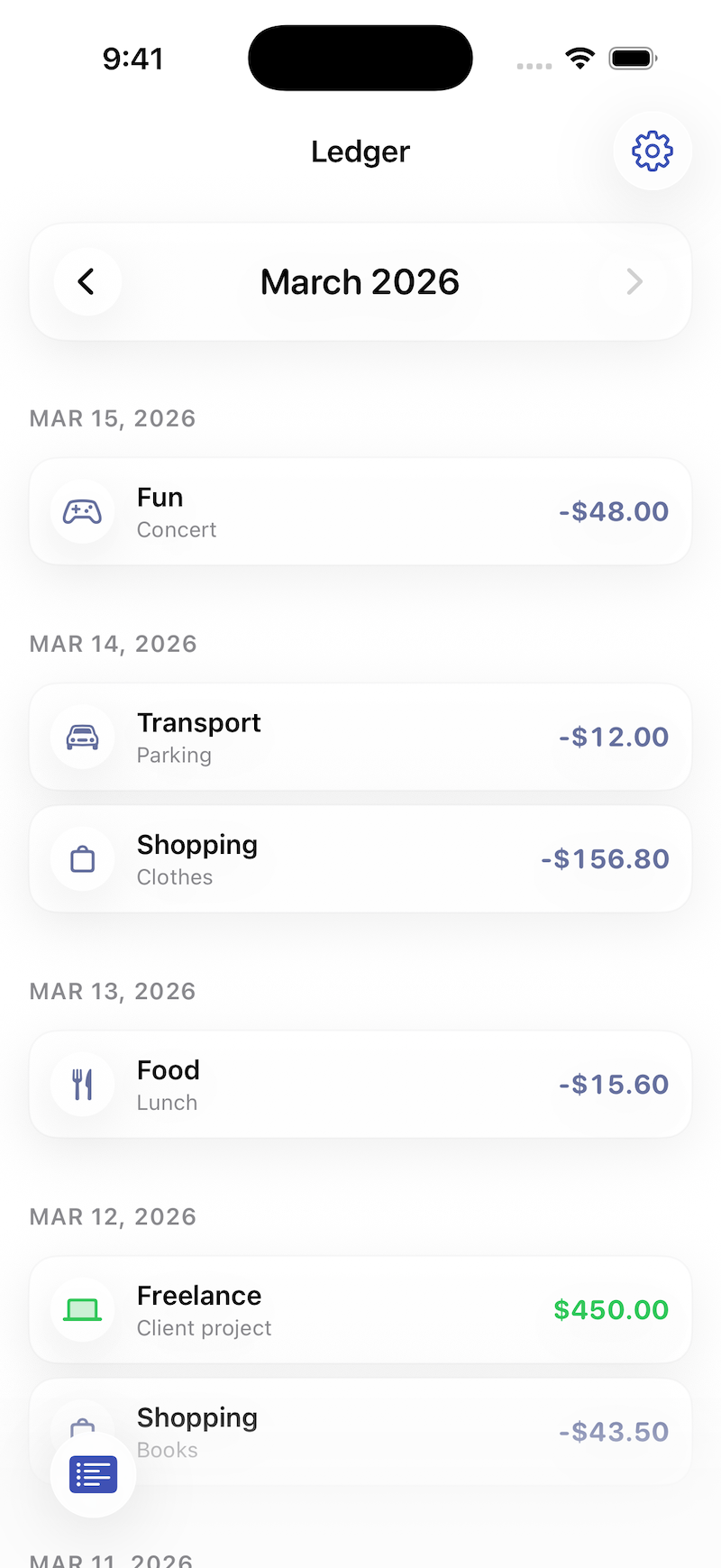
For now, Ledgee records expenses and income, shows me the current month and keeps a reliable ledger in iCloud. It is deliberately narrower than most finance apps, but that is why I have a chance of continuing to use it instead of abandoning it after two weeks.
Ledgee is available on the App Store, with more information at ledgeeapp.kulman.sk. If you try it and find something confusing, slow or missing, I would like to hear about it.
See also
- I wanted async/await but I got a concurrency model
- Why I still build apps for myself
- Beating App Store review: lessons from shipping a minimal indie game
- Building Aira: a calm anime tracker for myself
- Building Yomu: Safari, furigana, and why “plain text” often isn’t plain